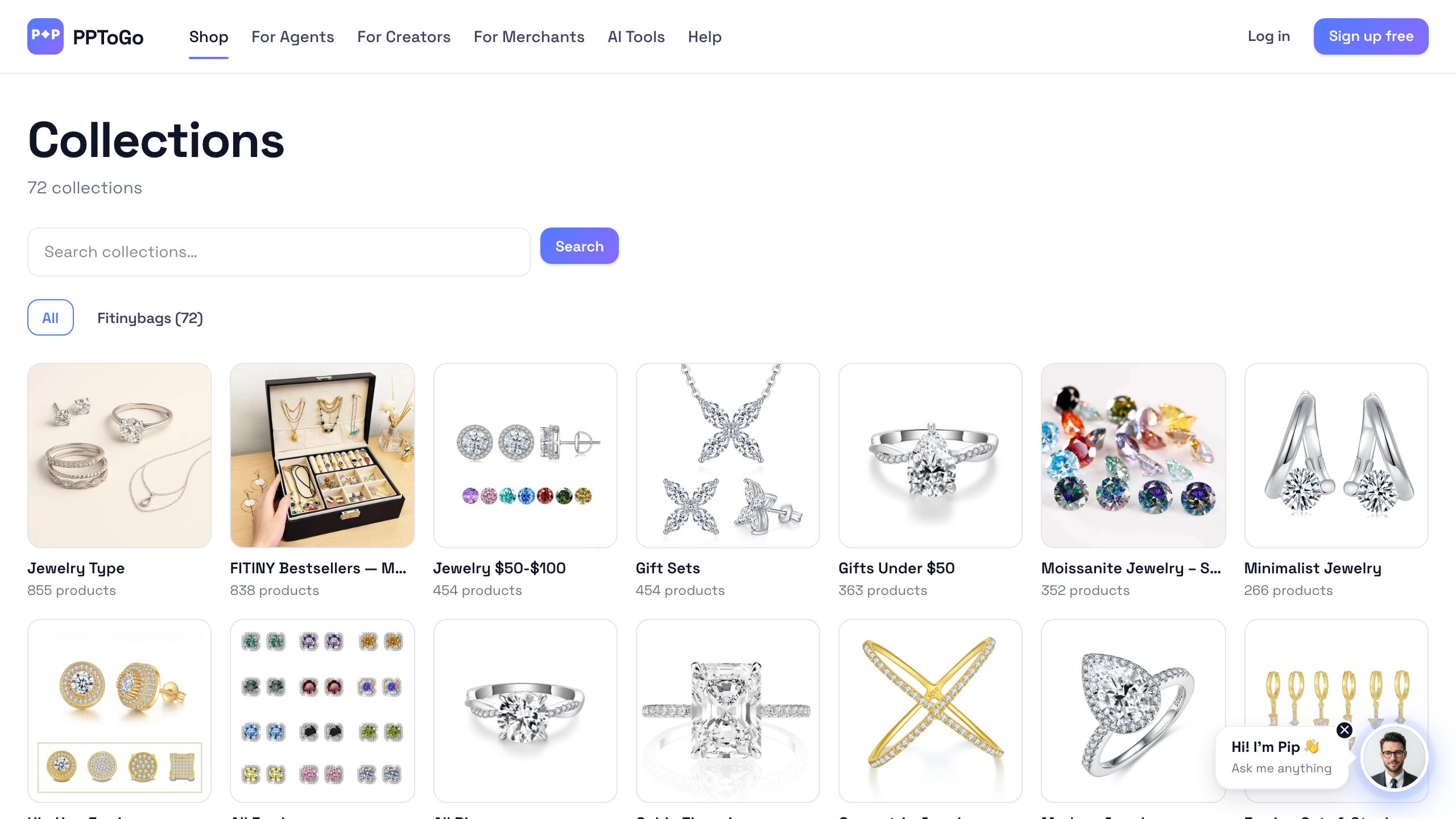
If you run a Shopify store, you can have a working creator marketplace pointed at your catalog in under ten minutes. No code, no contract renegotiation, no “sales call to get a custom quote.” This post walks every screen and every webhook.
Step 1 — Install the app
Two paths. Either:
- Visit
https://pptogo.com/api/shopify/installand enter your shop domain (e.g.fitinybags.myshopify.com). You'll be redirected through Shopify's OAuth consent screen. - Find “PPToGo” in the Shopify App Store and click install. Same OAuth flow, different entry point.
We request these scopes: read_products, read_orders, read_customers, and write_script_tags (optional — only used if you opt in to on-site link decoration). Approve and you're back on PPToGo's merchant onboarding.
Step 2 — Initial catalog sync
The moment OAuth completes, we kick off a Workflows-based sync Worker that pulls your full product catalog. Fitiny's 857 SKUs took about 14 minutes (chunked 30 products at a time to respect Shopify's API rate limits).
You can watch progress at /admin/merchants (admin tier) or, for your own shop, at /dashboard/merchant/sync. Each row shows a status from pending → running → succeeded or failed, plus the number of products imported.
Step 3 — Set your default commission rate
Go to /dashboard/merchant/settings. Set a default commission rate between 1% and 50%. This is what creators and agents will see when they browse your products on /m/[your-handle].
Pricing guidance from the anchor merchants:
- Physical goods, AOV $40–$80: 15–25% works well. fitiny sits at 20%.
- Higher AOV physical goods ($100+): 10–15% is standard. The absolute commission dollars are still attractive.
- Digital products: 20–35% is the going rate. EterMail runs around 15% because its margins are thinner than most digital.
- SaaS subscriptions: 25–30% on first month or first year. SeoAiX pays 30% on year one.
Step 4 — (Optional) Create a featured campaign
Beyond the default rate, you can spotlight specific products with time-boxed campaigns at higher commission. Campaigns surface to creators on /campaigns and tend to get applications within 24 hours.
Create one at /dashboard/merchant/campaigns/new. The form asks for:
- Product or product set to feature
- Campaign commission rate (must be ≥ your default)
- Date window (we recommend 2–4 weeks)
- Minimum creator tier (gate out brand-new accounts if you want pre-vetted applicants)
Step 5 — The order webhook
This step is automatic but it's worth understanding. The moment a buyer completes checkout, Shopify fires the orders/paid webhook to our endpoint:
POST https://pptogo.com/api/webhooks/shopify/orders/paid
X-Shopify-Hmac-Sha256: <hmac>
X-Shopify-Shop-Domain: fitinybags.myshopify.com

{
  "id": 5482910238724,
  "total_price": "52.00",
  "line_items": [...],
  "note_attributes": [
    { "name": "pptogo_attr", "value": "tl_01HK3M9XJZ" }
  ]
}
We verify the HMAC against your shop's webhook secret, match the pptogo_attr cookie value against an active tracking link, look up the creator, and write a commissions row in held state. After the creator's trust-tier hold window (7–30 days) it transitions to payable and joins the next Stripe Connect payout.
Step 6 — Refund protection
If the order gets refunded during the hold window, Shopify fires orders/refunded. We mark the commission clawed_back and never pay it out. Refunds after the hold window are recorded against the creator's refund rate but the commission is not clawed back (the merchant has already eaten that cost on their end).
This is why the trust tiers exist. A platinum creator's refund rate is so reliably low that we're comfortable paying out after 7 days. A new creator might have one bad month; 30 days protects everyone.
What this looked like for fitiny
Fitiny installed on 2026-04-15. Catalog of 857 products. They set a 20% default commission rate and created one campaign at 25% on their summer line. Within 7 days, 23 creators had discovered the catalog through /shop browsing. Within 30 days, 47 creators had generated tracking links and 12 had driven at least one conversion. Total conversions in month one: 78. Total commission paid: $812.
At a 5x improvement in marginal CAC compared to their Google Shopping baseline, the math made the install worth it within the first week.
Next steps
- Install: pptogo.com/api/shopify/install
- Merchant docs: app.pptogo.com/merchant
- Read the campaign-pricing playbook: see our post on campaign commissions that work.